

Built a scalable design system, reducing handoff time by 50% and improving product consistency.
3x
89%
12+
Timeframe
3 Months
Team Collaboration
Product Manager, Engineering Manager, Developers
My Role
Design System · UX Patterns · Developer Collaboration
Role
Senior Product Designer
Problem
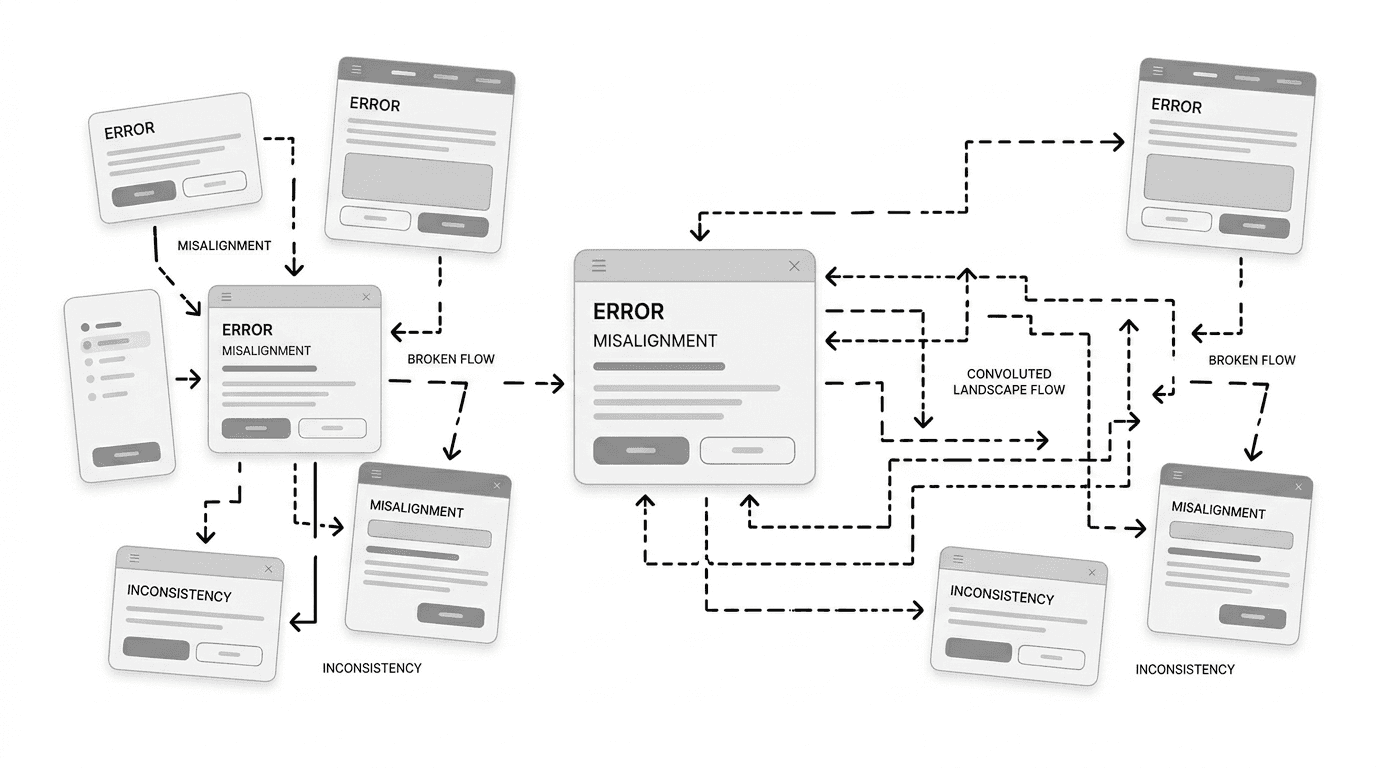
The fintech platform was built on a decade-old UI with no unified design foundation. Over time, multiple teams contributed independently, resulting in inconsistent patterns, poor visual hierarchy, and fragmented user experiences.
This lack of standardization not only increased user friction but also created challenges in scaling the product and maintaining quality across different implementations. As a result, the product struggled to meet modern expectations and impacted overall client confidence.
Solution
The introduction of a unified design system significantly improved the product’s overall experience and consistency. A modern, cohesive interface enhanced client perception, helping build trust and supporting new client acquisition. By standardizing components and design patterns, the team was able to deliver features faster and with greater efficiency.
In addition, improved alignment between design and development reduced rework and operational friction. The system created a scalable foundation that enabled the product to grow seamlessly across multiple clients and use cases while strengthening its position in a competitive fintech market.
Research
Surveyed 15 cross-functional team members across design, development, and product to identify workflow inefficiencies, uncover inconsistencies in UI implementation, and understand gaps in the existing system that were impacting speed and quality.

These findings showed that teams were not lacking skills, they were lacking a shared system.
Design Principles
A set of guiding principles to ensure consistency, scalability, and seamless collaboration across teams




Approach
A structured, end-to-end process to build a scalable and developer-friendly design system



Audit & Identify Gaps
Analyzed existing screens and components to uncover inconsistencies, redundancies, and usability issues across the product
Step 01

Define Foundations
Established core design elements including color, typography, spacing, and grid to create a consistent visual language
Step 02

Build Component Library
Designed reusable components (buttons, forms, cards, etc.) to standardize patterns and reduce duplication across teams
Step 03

Collaborate with Developers
Worked closely with engineering teams to ensure components were feasible, scalable, and easy to implement
Step 04
Document & Standardize
Created clear guidelines and documentation to align design, development, and product teams around a single source of truth
Step 05

Enable Adoption
Supported teams in integrating the design system across products, ensuring consistency and long-term usability
Step 06
This approach ensured that the system was not only well-designed but also widely adopted and scalable across multiple products.
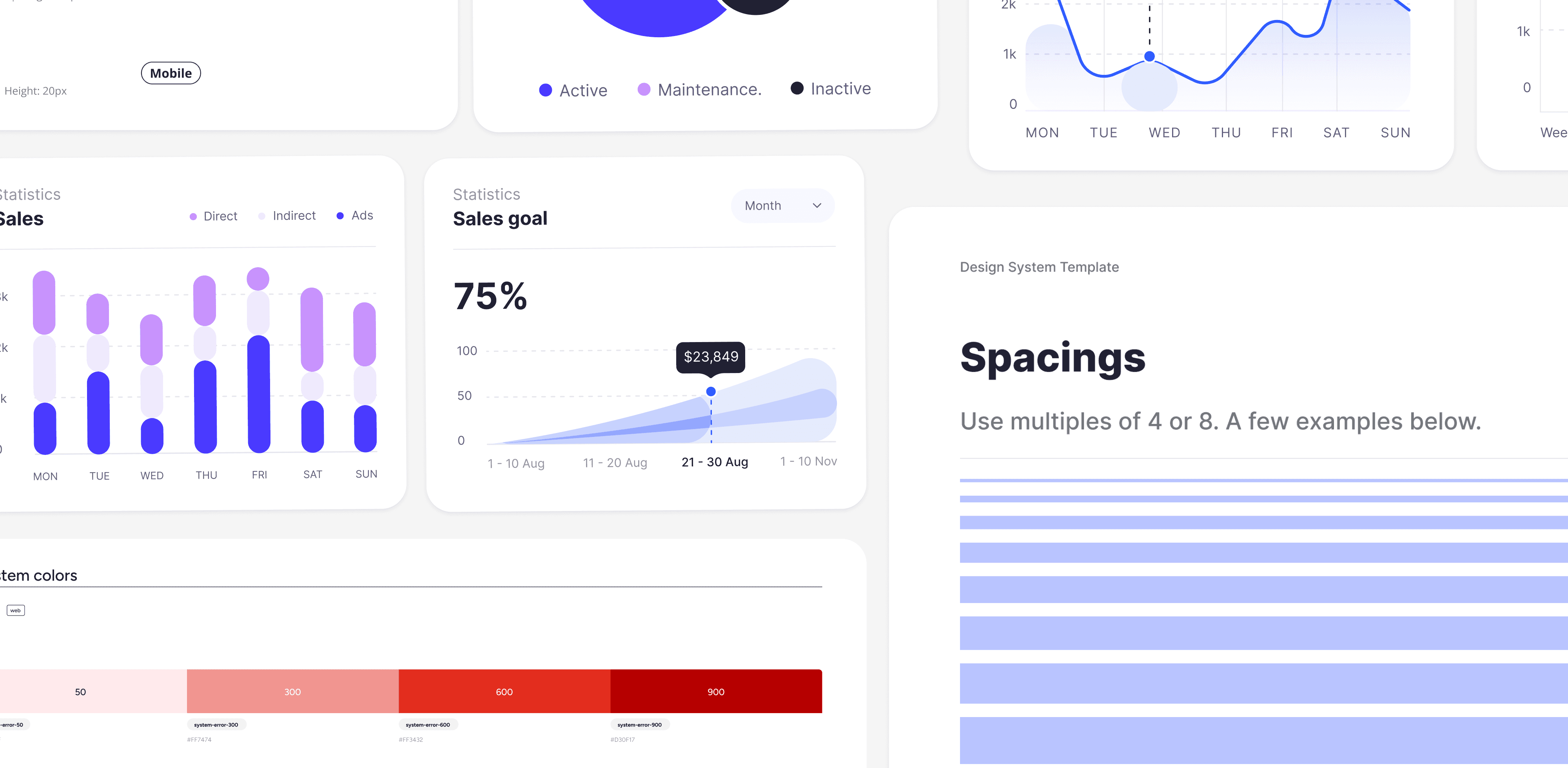
From Arbitrary Colors to a Structured System
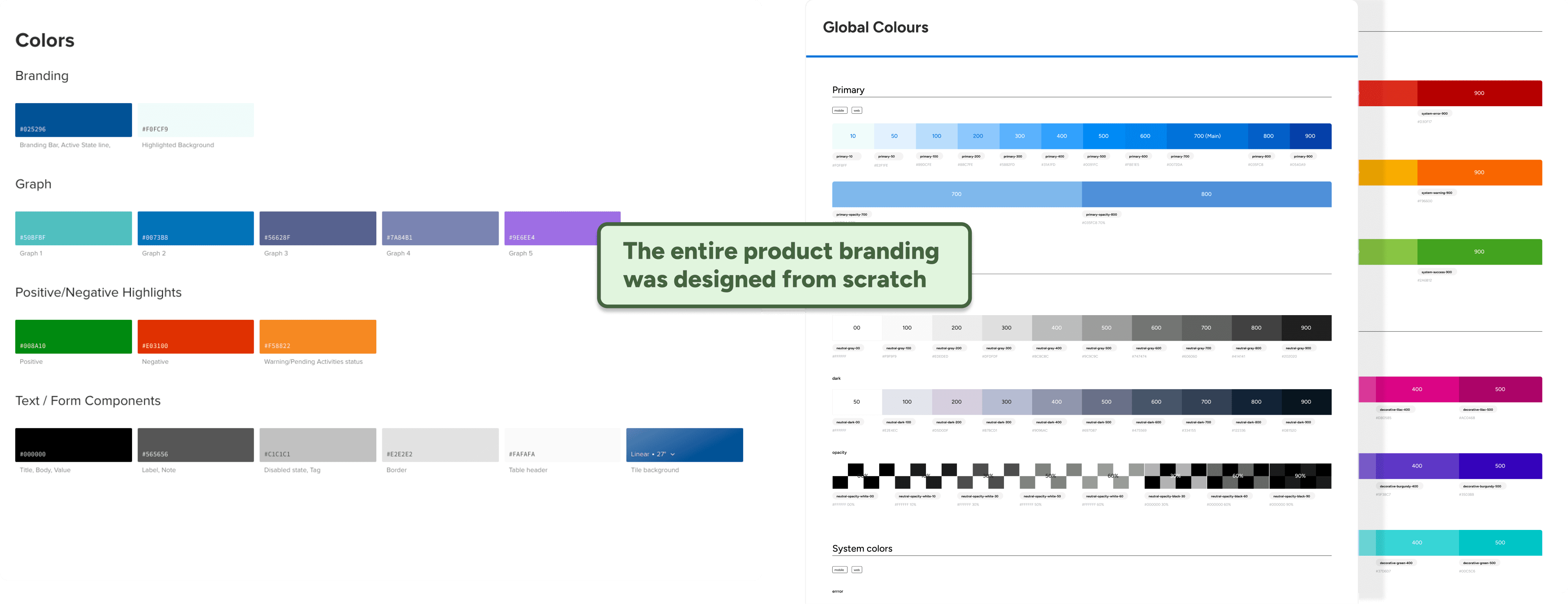
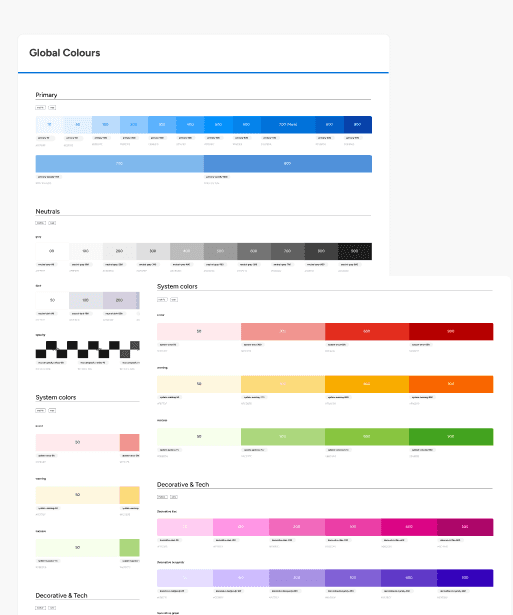
Previously, colors were used inconsistently without defined roles, leading to confusion and lack of visual clarity.
The new color system introduced semantic usage (primary, success, warning, etc.), improving consistency, accessibility, and overall visual harmony.
Unstructured Text to Clear Hierarchy
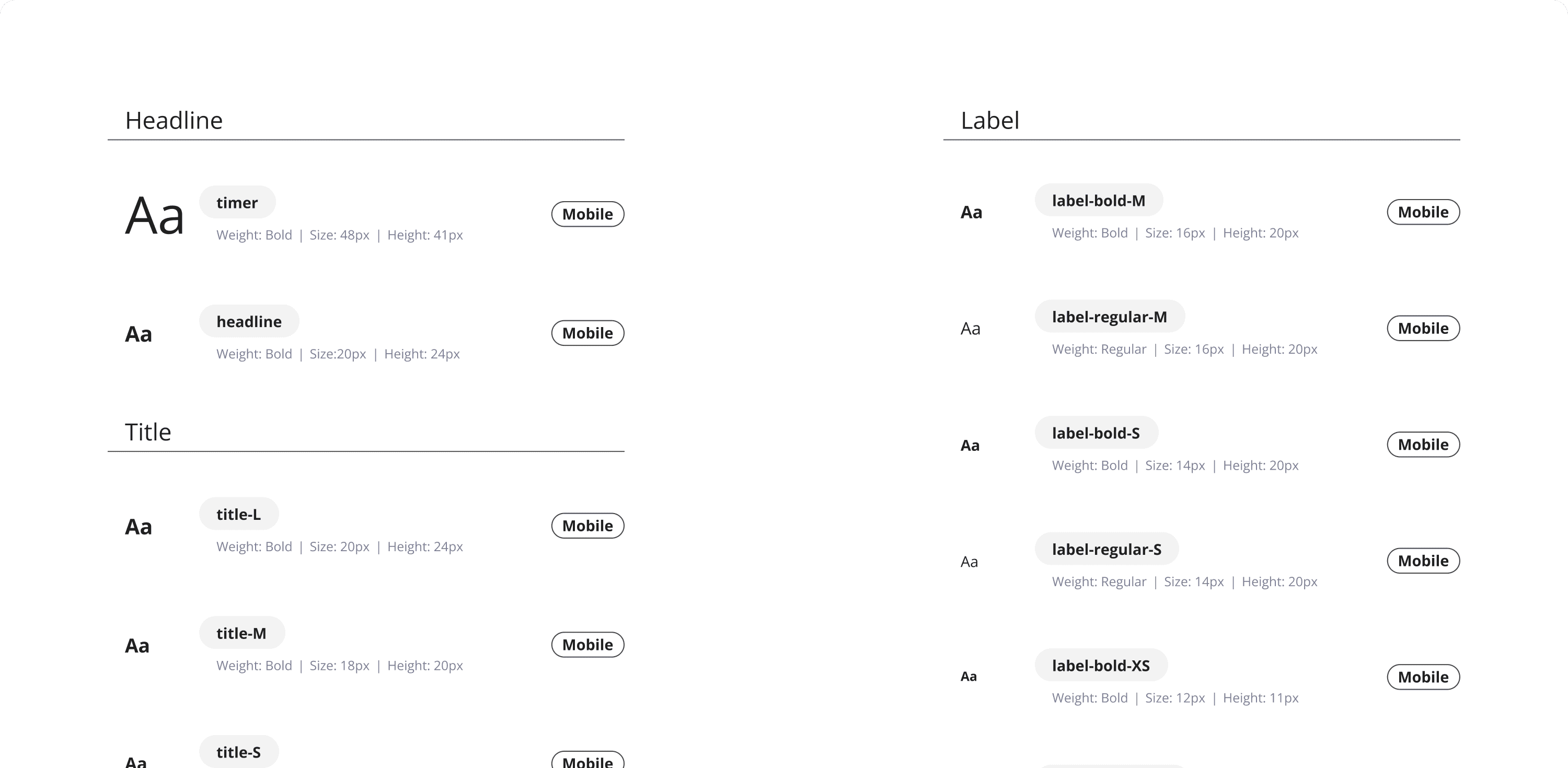
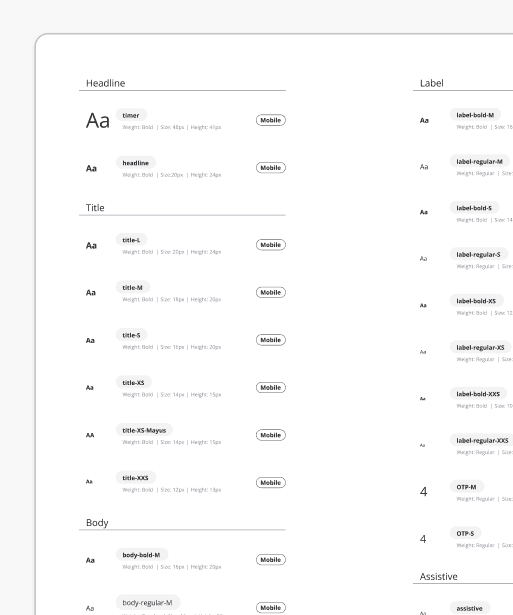
Typography lacked consistency, with multiple font sizes and styles used randomly across the product.
By defining a clear type scale and hierarchy, the interface became more readable, improving content clarity and user comprehension.
Repetition to Reusable Components
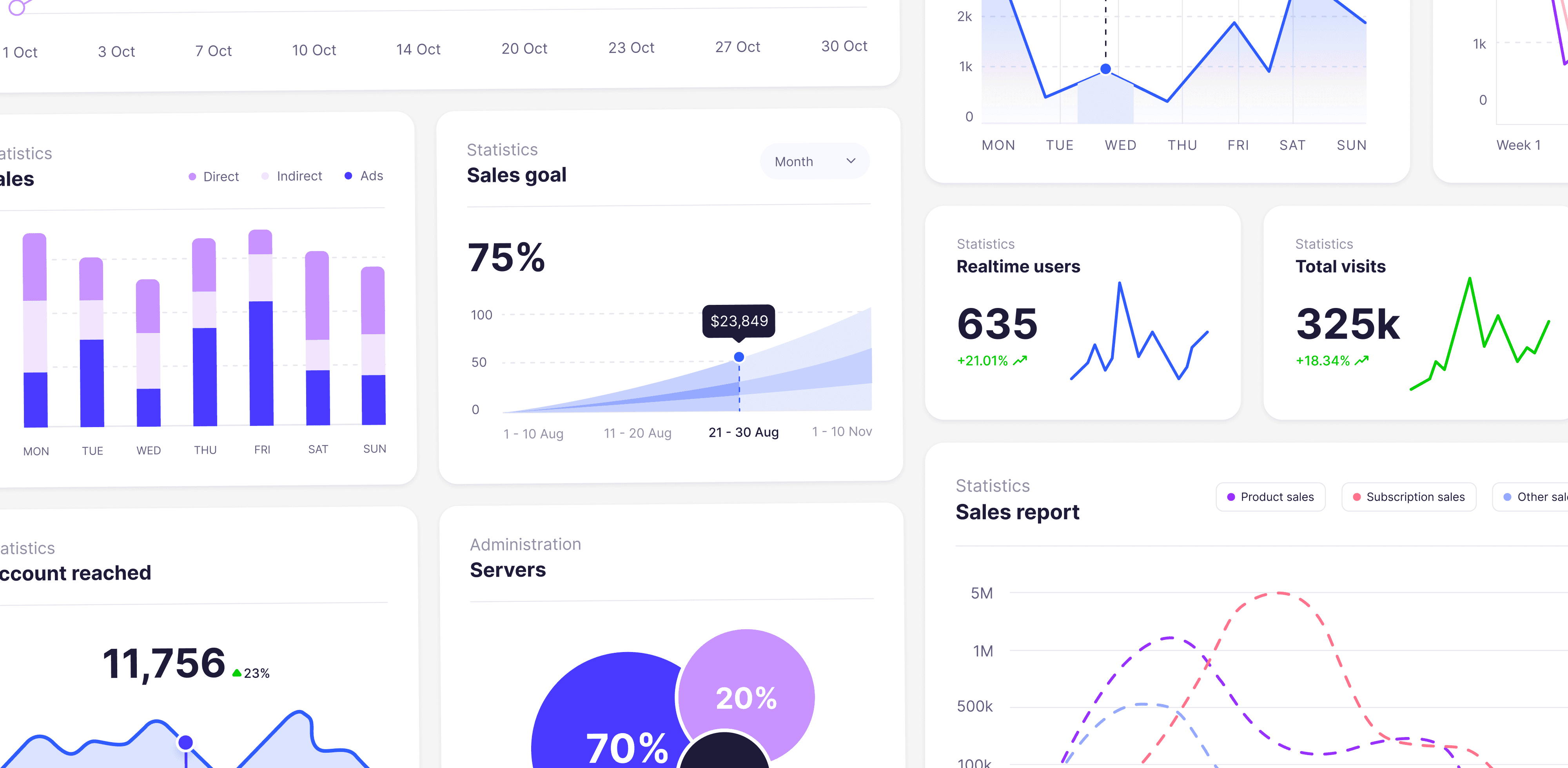
Earlier, similar components were recreated multiple times with slight variations, increasing inconsistency and effort.
The new component library introduced reusable, standardized elements that improved efficiency and ensured a consistent experience across products.
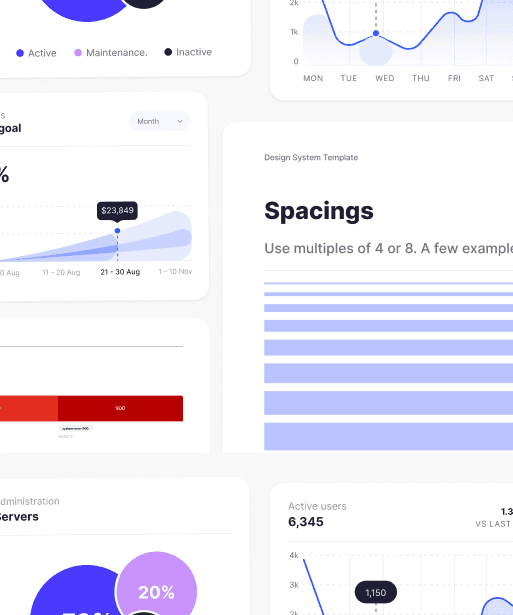
Spacing & Layout
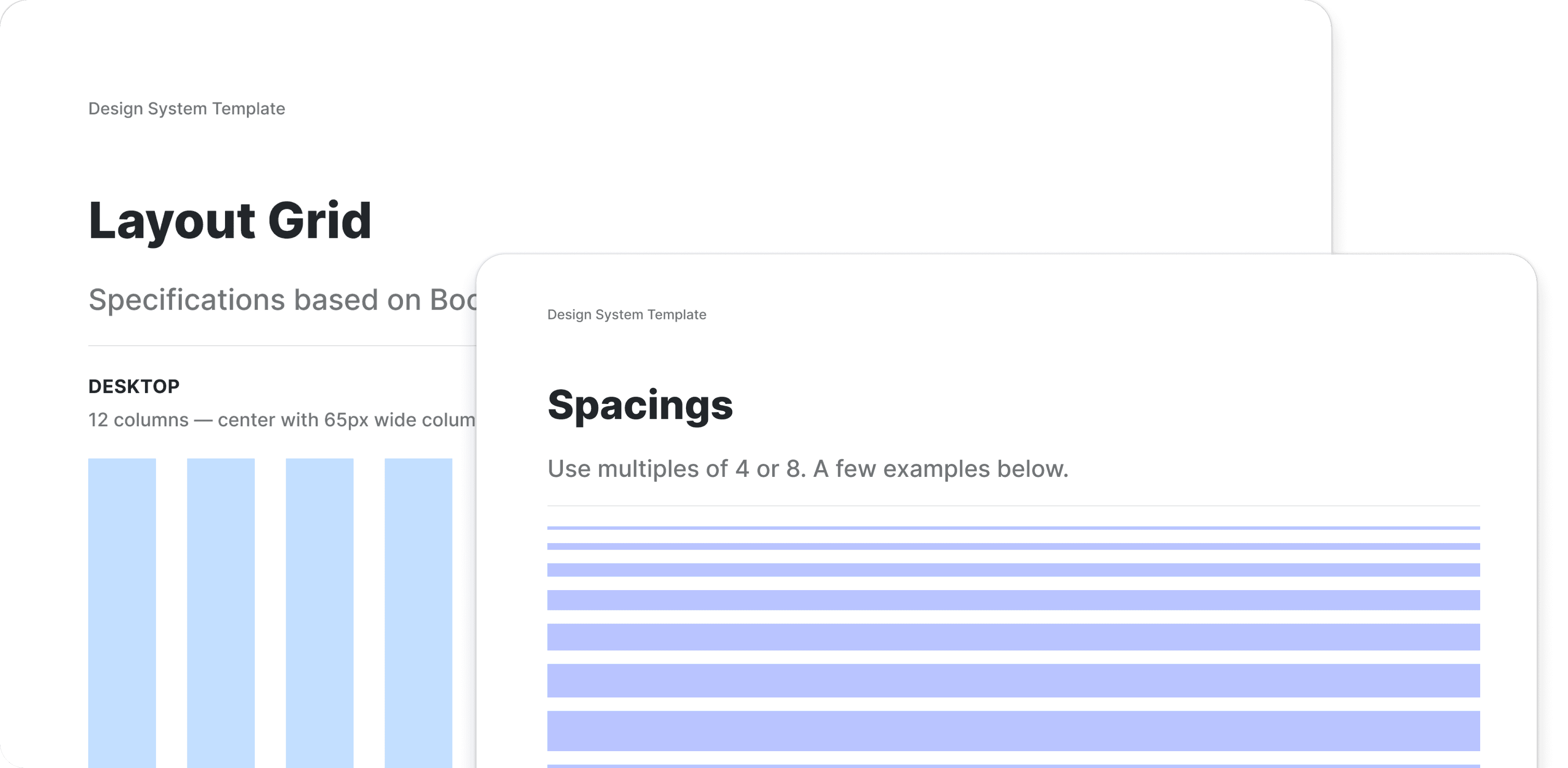
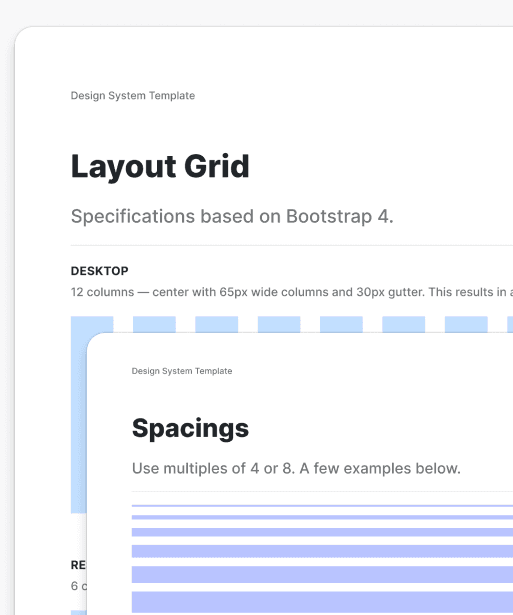
Layouts previously lacked consistency in spacing and alignment, resulting in cluttered and uneven interfaces.
A defined spacing system and grid brought structure and balance, making the UI more visually coherent and easier to navigate.
Challenges & how we addressed them
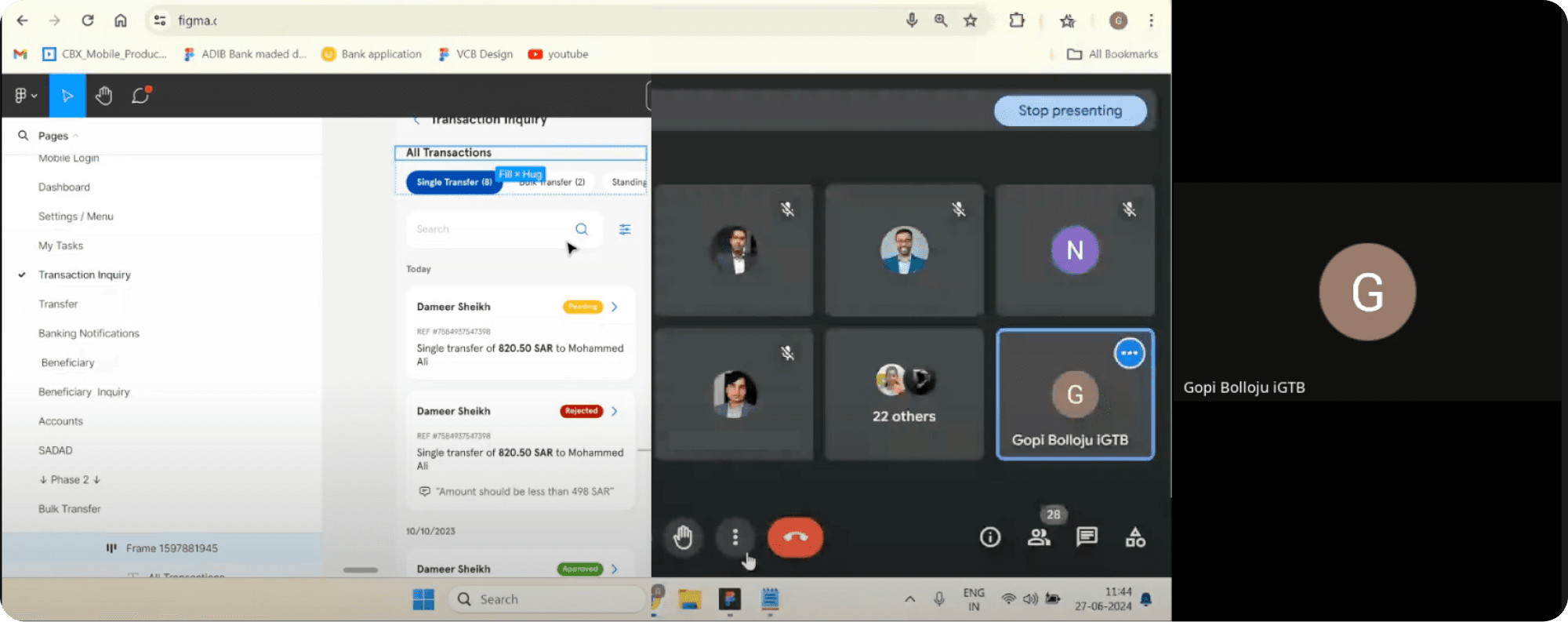
Implementing the design system came with challenges, particularly in aligning diverse teams and ensuring consistent adoption.
Resistance to adoption → solved through gradual rollout and support
Balancing consistency vs flexibility → introduced component variants
Legacy system constraints → enabled incremental integration
Documentation maintenance → established continuous updates
Future evolution of the design system
The design system can be further enhanced by expanding its capabilities and improving accessibility and documentation. Future efforts can focus on automation and measuring adoption to ensure continuous improvement and long-term scalability.




Trusted Across Multiple Banking Platforms
The design system has been successfully adopted across multiple banking products, enabling teams to deliver consistent, scalable, and high-quality user experiences. Its flexibility allows seamless integration across different use cases while maintaining a unified product standard.






Building a Design System?
If you're working on scaling your product or need a robust design system, I’d be happy to collaborate and help streamline your experience.

Customized design
Ongoing support
Fast delivery